Press kit
Everything for an article or a review in one place. Questions, a full-version code or an interview: [email protected].
Download press kit (ZIP, 1.5 MB)
Contains 8 screenshots in full resolution, the icon (PNG and SVG), the store feature graphic and a 1920×1080 title image. Free to use for reporting on PicHaven.
In one sentence
PicHaven backs up photos and videos from an Android phone automatically to the user's own Windows PC over home Wi-Fi: original files, no cloud, no account, no subscription.
Short description
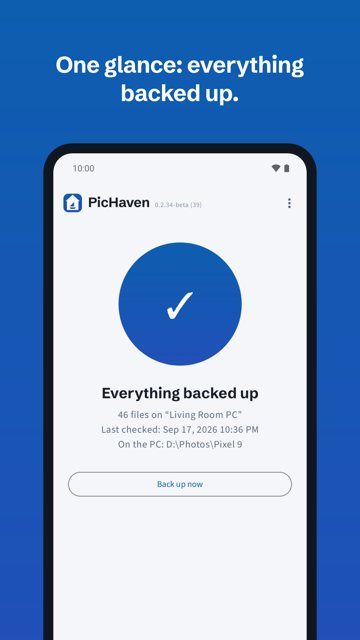
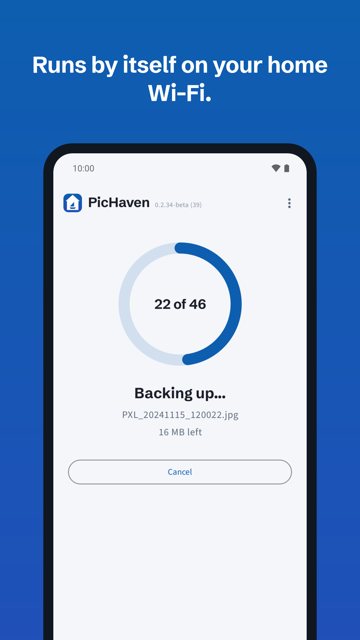
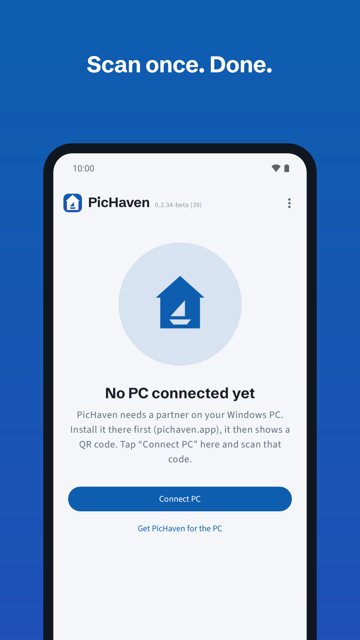
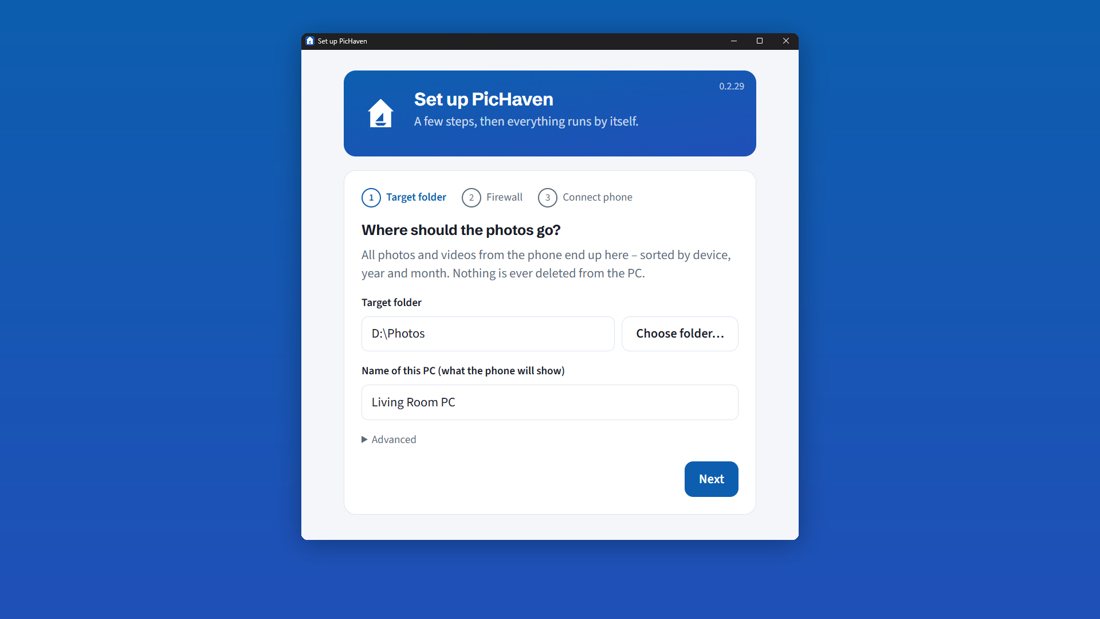
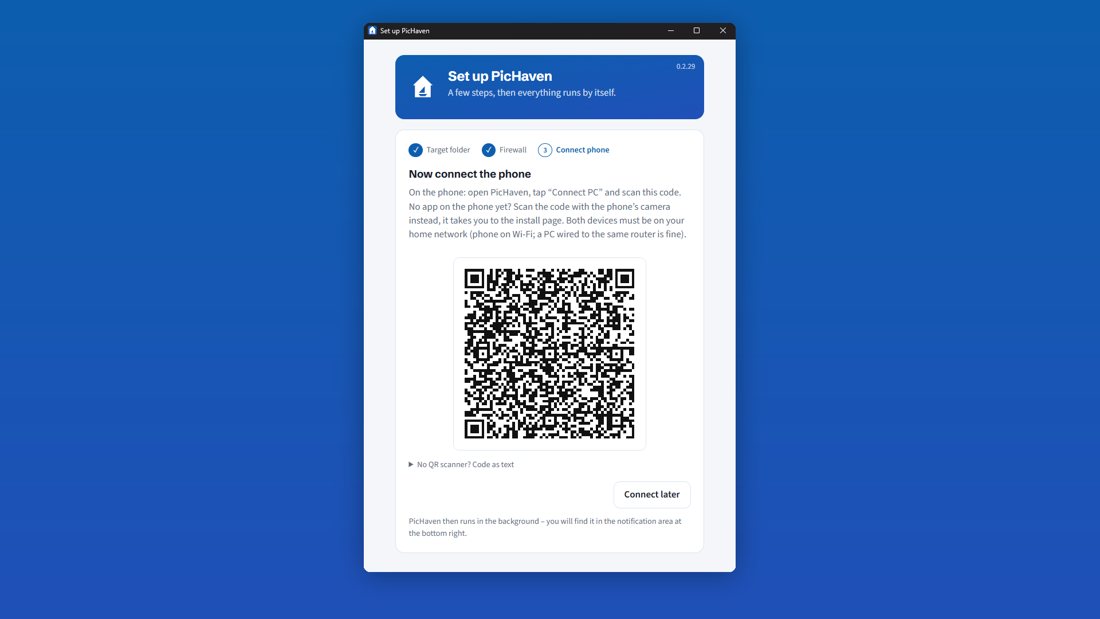
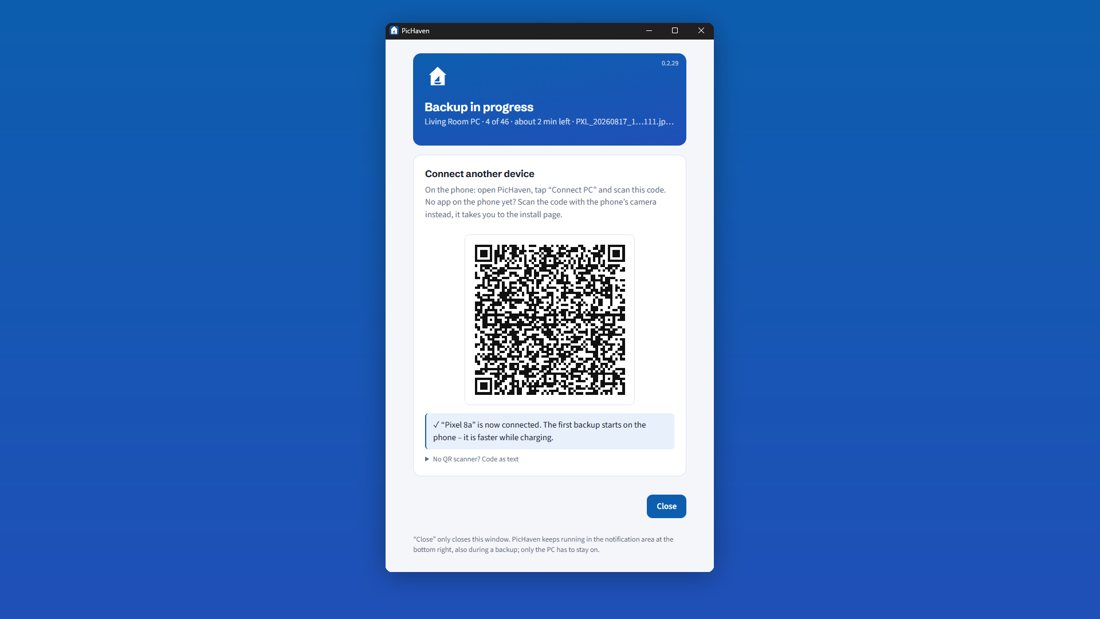
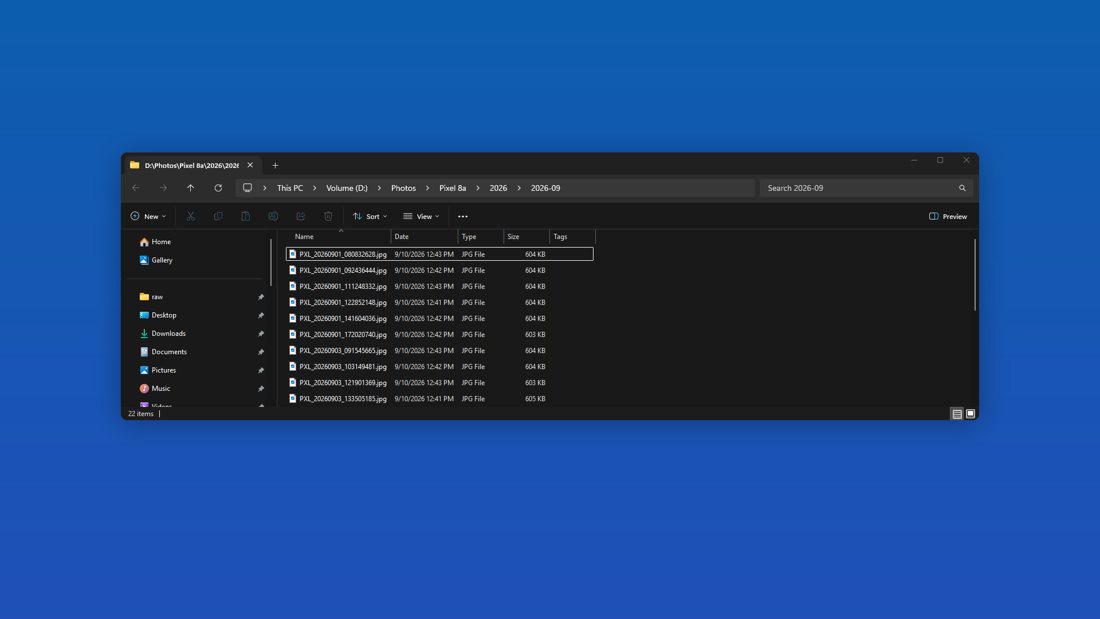
PicHaven consists of an Android app and a free Windows app. Pairing takes one QR scan. From then on, new photos and videos travel to the PC on their own whenever phone and PC are on the same Wi-Fi, encrypted and byte-for-byte, and land in ordinary folders sorted by device and month. PicHaven never deletes anything on the phone and never loses a photo on the PC. The Windows app sits in the notification area and shows at a glance whether everything is backed up.
How it started
My mother-in-law and a friend wanted their phone photos on the PC, in original quality, to make something creative with them. My first solution was a script that needed a USB cable, and every weekend I sat next to them and helped. That was too complicated, so in my spare time I kept building until it worked without a cable and entirely by itself. The bugs from the field test went into an automated test suite that every release has to pass.
Video (52 s): PicHaven in English · auf Deutsch
Fact sheet
| Product | PicHaven (Android app + Windows app) |
|---|---|
| Developer | Hartwin Hoyer, solo developer from Germany |
| Released | September 2026 (Google Play and Microsoft Store) |
| Platforms | Android 10 or newer; Windows 10 and 11 (x64) |
| Languages | English, German |
| Price | Windows app free. Android: the first backup is free however large, plus 250 more files; then a one-time 4.99 EUR unlocks unlimited backups. No subscription, no ads. |
| Connection | Only within the home network: TLS 1.3 with mutual certificates, the PC is found via mDNS |
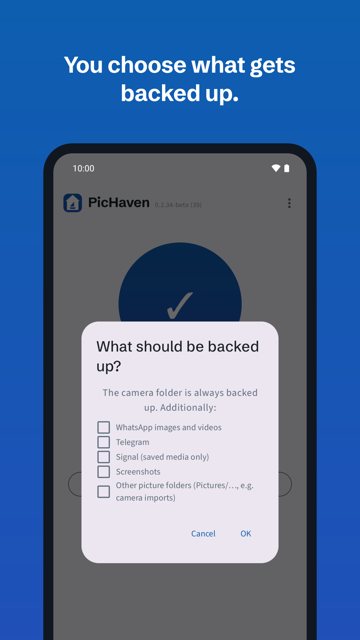
| What is backed up | Camera; optionally WhatsApp, Telegram, Signal, screenshots and other picture folders |
| On the PC | Folder of your choice (also external or network drive), sorted by device / year / month |
| Data collection | No account, no analytics, no ads; details below |
| Links | Google Play · Microsoft Store · pichaven.app |
Screenshots
Click for a larger version; full resolution is in the press kit.
Logo

The icon as SVG and as PNG (512 px, in the press kit). Please keep the colours and do not crop the house. Name spelling: PicHaven (capital P and H, one word).
Questions journalists ask
How is it different from Syncthing?
Syncthing is open source and synchronises folders between any devices in both directions, which makes it very flexible. It is set up per folder and per device, and a two-way sync carries deletions across unless it is configured otherwise. PicHaven does one job only: a one-way copy from phone to PC that never loses a photo, set up with one QR scan.
And from Immich?
Immich is an open-source, self-hosted replacement for Google Photos with timeline, search and face recognition. It needs a server, usually Docker on a NAS or home server. PicHaven needs no server: the photos end up as ordinary files in a folder on the Windows PC, and any photo program can open them. It has no gallery of its own.
And from PhotoSync?
PhotoSync has been around since 2014 and transfers to many targets: PC, NAS and various clouds. Automatic transfer is a paid add-on there, and the free version shows ads. PicHaven has one target, your own PC, shows no ads and costs a one-time 4.99 EUR after the free first backup.
Why isn't PicHaven open source?
PicHaven is a small paid product that I build and support on my own. Instead of the source code, it documents exactly which connections each part opens, so anyone can check them with a firewall or network monitor (privacy policy, network connections).
Which connections does the app open?
- Android app: only the paired PC in the local network (port 8737), plus multicast DNS to find it. The Play Store version additionally talks to Google Play for the one-time purchase; the Play Billing library sends technical data about itself to Google. No photos, file names or usage data leave the home network.
- Windows app: listens for the phone in the local network. For updates it asks the Microsoft Store (Store version) or git.hoyer.xyz (installer version). Nothing else.
What about Samsung and Xiaomi, which stop apps in the background?
PicHaven detects these restrictions and shows a short, phone-specific guide in the app. Missed backups catch up the next time phone and PC meet. Its background behaviour is tested against emulated Samsung- and Xiaomi-style battery restrictions.
Is there an iPhone or Mac version?
No iPhone version: iOS does not hand apps the original files the way a byte-identical backup needs them. A Mac version of the PC side depends on demand.
Contact
Hartwin Hoyer · [email protected] · Impressum. Full-version codes for reviews on request.